You can log into your OrchidServe cPanel Webmail by logging in to the webmail account on the relevant server. You can establish the account your server is on by logging in to your OrchidServe account.
See a list of webmail accounts on Control Panels.
You can also log in directly by going to:
- https://<your_domain_name>:2096
Where <your_domain_name> is your domain name, ending in “.co.uk” or “.com” for example.
Do not include the “www” from the beginning of the domain name.
You will need your email address and the appropriate mailbox password to log in:

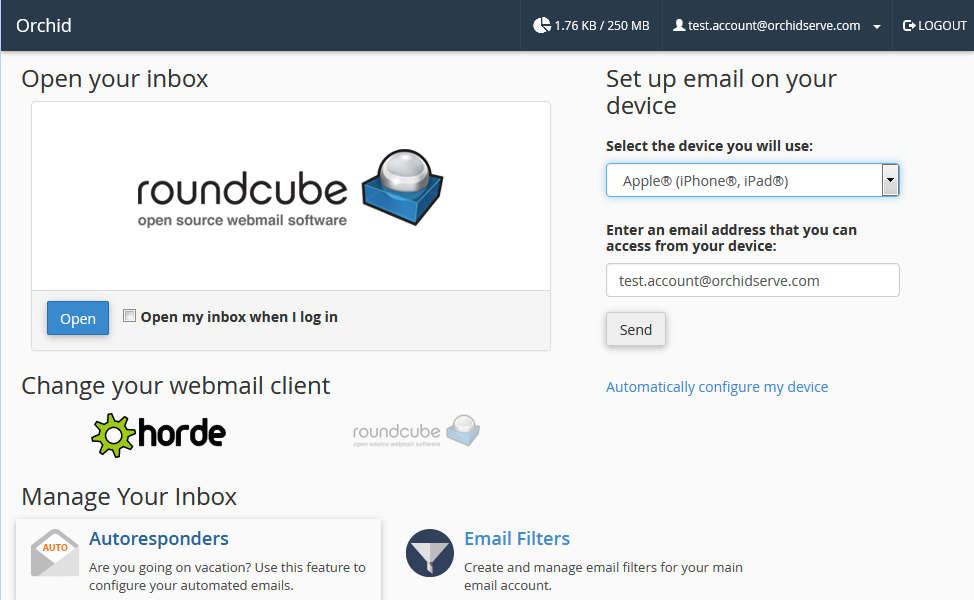
You will then be logged in to your Webmail: